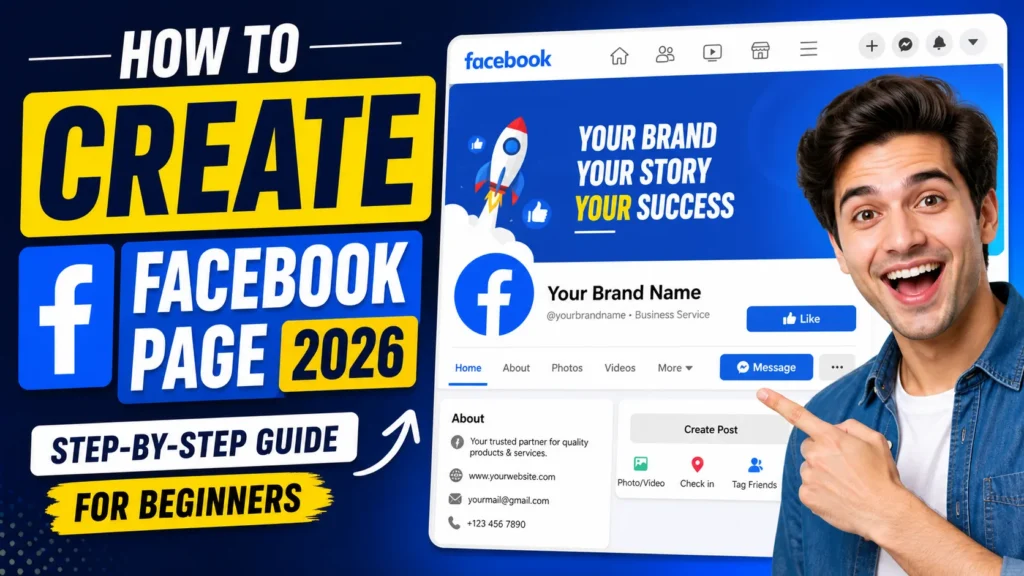
How to Create a Facebook Page in 2026: Want to grow your business, personal brand, or online presence in 2026? The first step is learning how to create a Facebook Page properly.
A Facebook Page helps you promote products, connect with customers, run ads, and build trust online. Whether you’re a small business owner, freelancer, blogger, or digital creator, this guide will walk you through everything step by step.
Let’s get started.
Why You Should Create a Facebook Page in 2026
Facebook is still one of the largest social media platforms in the world. Creating a Facebook business page gives you:
- Free online visibility
- Direct communication with customers
- Access to Facebook Ads
- Brand credibility
- Website traffic opportunities
- Monetization options
If you’re serious about social media marketing, creating a Facebook Page is essential.
Step-by-Step Guide to Create a Facebook Page (2026)
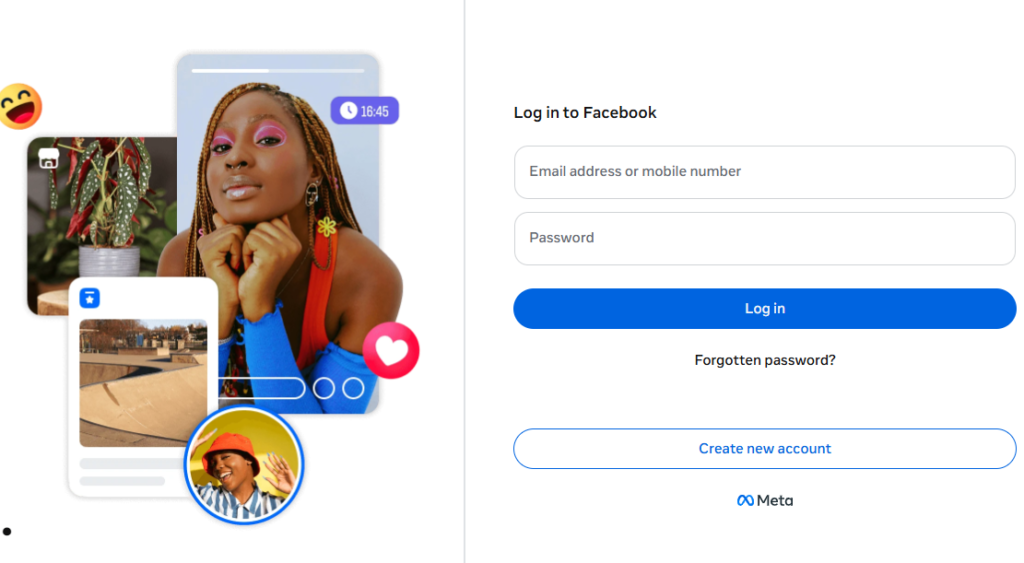
Step 1: Log in to Your Facebook Account
To create a Facebook Page, you must have a personal Facebook account.
- Open your browser
- Visit the official Facebook website
- Log in using your account
You cannot create a page without a personal profile.
Step 2: Go to the Pages Section
After logging in:
- Click on your profile picture (top right corner)
- Select “Pages”
- Click on “Create New Page”
You’ll now see the page creation panel.
Step 3: Enter Basic Page Information
Page Name
Enter your:
- Business name
- Brand name
- Website name
Keep it simple, clear, and searchable.
Category
Choose the most relevant category, such as:
- Local Business
- Digital Creator
- Blogger
- E-commerce Website
- Consultant
You can choose up to three categories.
Description
Write a short description explaining what your page is about.
Example:
“We help beginners learn digital marketing and online earning strategies.”
Click “Create Page.”
Step 4: Add Profile and Cover Photo
Profile Picture Tips
- Use your brand logo (for business)
- Use a professional photo (for personal brand)
- Keep it clear and high quality
Cover Photo Tips
- Use a branded banner
- Add tagline or services
- Maintain clean design
Good visuals increase trust and engagement.
Step 5: Add Contact & Business Details
Complete all available details:
- Website link
- Email address
- Phone number
- Business hours
- Location (if applicable)
This improves credibility and helps with Facebook page SEO.
Step 6: Create a Username (Custom URL)
Set a custom username like:
facebook.com/YourBrandName
Tips:
- Keep it short
- Avoid random numbers
- Match your website or brand name
This makes your page easier to find.
Step 7: Add a Call-To-Action (CTA) Button
Click “Add Action Button” and choose:
- Contact Us
- Shop Now
- Book Now
- Send Message
- Learn More
Select based on your business goal.
Step 8: Publish Your First Posts
Before inviting friends, add at least 3–5 posts:
- Introduction post
- About your services
- Product or offer post
- Informative or educational content
- One image or short video
An active page looks professional.
How to Optimize Your Facebook Page for Growth
Creating a Facebook page is easy, but growing it requires smart optimization.
Use Keywords Naturally
Add keywords like:
- How to create a Facebook page
- Facebook business page 2026
- Facebook page setup guide
- Social media marketing for beginners
Include them in:
- About section
- Description
- Posts
Post Consistently
Consistency is key.
Post:
- 3 to 5 times per week
- Use images, carousels, and short videos
- Share value-based content
Enable Reviews
Turn on the review option to build social proof and trust.
Respond Quickly to Messages
Fast replies increase engagement and credibility.
Common Mistakes to Avoid
Many beginners make these mistakes:
- Not completing profile details
- Using low-quality images
- Choosing wrong category
- Posting once and stopping
- Ignoring messages
Avoid these to grow faster.
How to Grow Your Facebook Page in 2026
Here are simple growth strategies:
- Share page in relevant Facebook groups
- Invite friends
- Add page link to your website
- Post short-form videos
- Run small-budget ads
- Collaborate with other creators
Growth requires patience and consistency.
▶ Also Watch This Video on YouTube 👇👇👇
Can You Earn Money from a Facebook Page?
Yes, you can monetize your Facebook Page through:
- Facebook Ads revenue
- Affiliate marketing
- Selling digital products
- Selling physical products
- Brand sponsorships
As your followers increase, earning opportunities grow.
How to Create a Facebook Page FAQs?
Is creating a Facebook Page free?
Yes, creating a Facebook Page is completely free.
Do I need a personal account?
Yes, a personal Facebook profile is required to create and manage a page.
How long does it take to create a page?
It takes about 5–10 minutes to set up a basic page.
Can I create multiple pages?
Yes, you can manage multiple Facebook Pages from one account.
How many followers do I need to start earning?
It depends on your monetization method, but focus first on quality content and engagement.
Internal Linking Suggestions
To improve SEO and user experience, link this article with:
- How to Run Facebook Ads for Beginners
- Instagram Marketing Guide 2026
- Social Media Marketing Strategy
- How to Create a Business Website
- YouTube Channel Setup Guide
Internal linking improves search ranking and keeps users longer on your website.
Conclusion: How to Create a Facebook Page
Now you know exactly how to create a Facebook Page in 2026.
The setup process is simple, but real success comes from consistency, optimization, and valuable content.
Start today. Stay consistent. Grow steadily.